When I first heard about Synthesia I was skeptical. Another AI tool promising to revolutionize video creation? I’d heard that before.
But after three weeks of actually using it for my YouTube content — I have to admit I was wrong to doubt it.
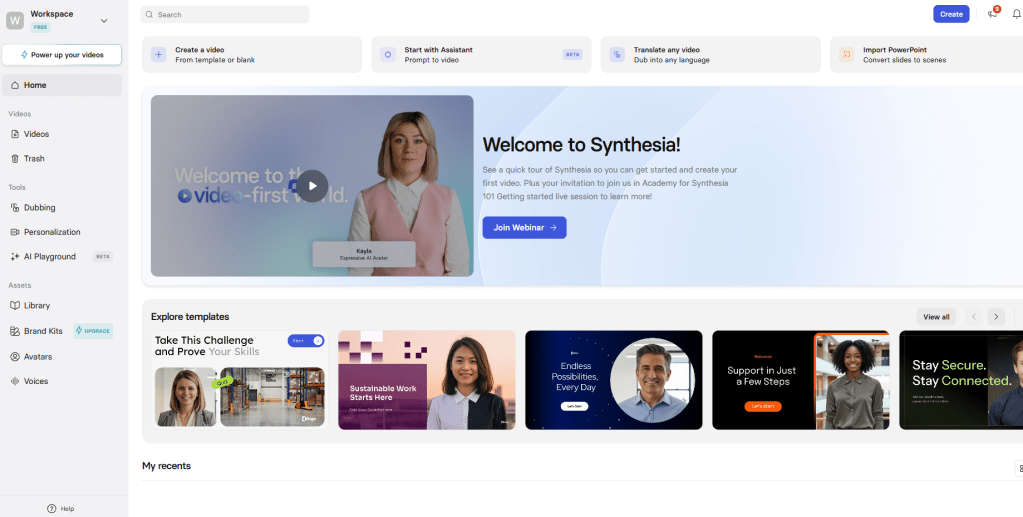
Here’s my honest review.
Why I Started Looking for an AI Video Tool
I’ve been creating content for a while now and video has always been the piece I struggled with most. Not because I don’t understand video — but because I hate being on camera.
I’ve tried the usual workarounds. Screen recordings. Stock footage compilations. Slideshow style videos. They work okay but they never look truly professional.
Then a few colleagues started talking about AI avatar tools. Synthesia kept coming up. So I decided to actually test it properly instead of just reading reviews.
What is Synthesia Actually?
Synthesia is an AI video generation platform that creates videos using realistic AI avatars. You write a script, pick an avatar, choose a background and Synthesia generates a professional video with the avatar presenting your content.
No camera. No microphone. No editing software.

The avatars look like real people — not the robotic CGI characters you might be imagining. Some of them are genuinely difficult to distinguish from real presenters at first glance.
It’s primarily used for:
- YouTube content creation
- Corporate training videos
- Product explainers
- Marketing and sales videos
- Social media content
Getting Started — First Impressions
Setting up was straightforward. Create an account, choose a plan and you’re inside the dashboard within minutes.
The interface is clean. Not overwhelming like some tools that throw 50 options at you immediately. You pick your avatar, type your script and hit generate. That’s essentially it for a basic video.
My first video took me about 15 minutes to make from scratch. Including writing the script. That alone was impressive.
The quality surprised me. I was expecting something that obviously looked AI generated. What I got was a polished presenter style video that honestly wouldn’t look out of place on a professional YouTube channel.
The Features I Actually Used
AI Avatars Synthesia has over 230 avatars across different ethnicities, ages and styles. There’s a good range of professional looking presenters, casual creators and everything in between.
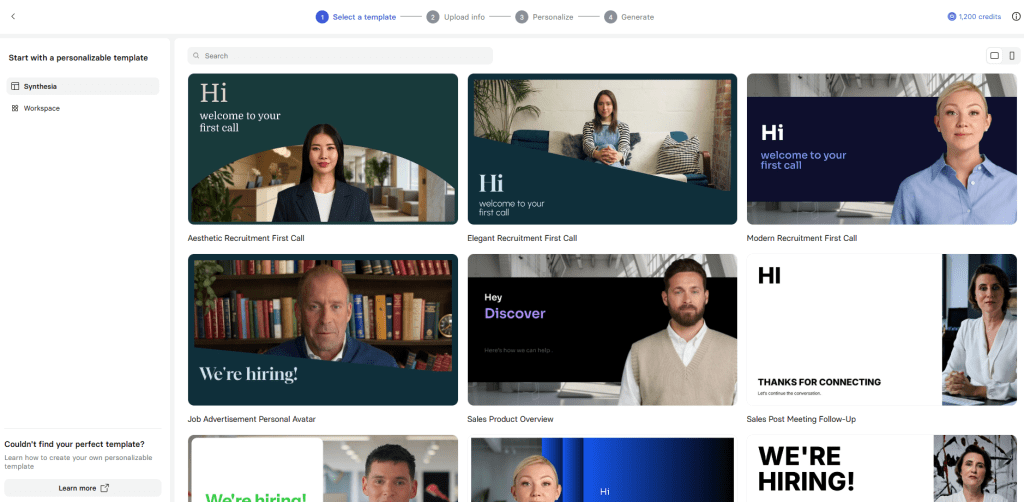
For faceless YouTube content this is the core feature and it delivers. The lip sync is good — not perfect, but noticeably better than competitors I tested.
Custom AI Avatar This is where it gets interesting. You can create an avatar that looks like you — without actually appearing in your videos. Record a short clip of yourself once and Synthesia generates your digital twin.
For anyone building a personal brand without showing their face regularly this is genuinely useful.
Text to Video Type your script and Synthesia generates the full video. You can add slides, images, backgrounds and screen recordings to mix with the avatar footage. This makes it much more versatile than just a talking head generator.
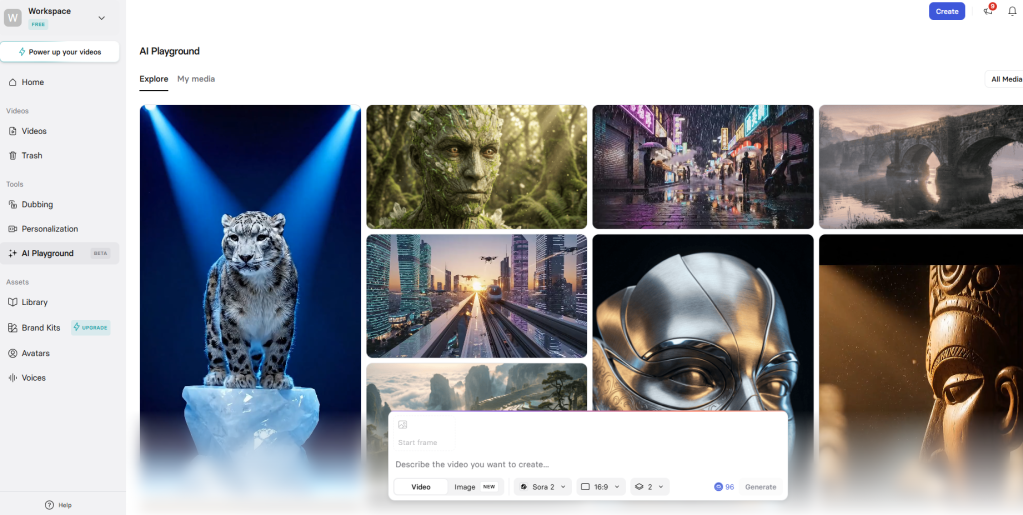
Languages and Voices Synthesia supports over 130 languages. For anyone creating content for international audiences this is massive. I tested a few and the quality was consistently good.
Templates There are ready made templates for different video types — explainers, listicles, tutorials. They save time and look professional right out of the box.
What I Used It For — YouTube Faceless Content
I created four videos over three weeks for a test YouTube channel. Here’s what I found:
The workflow is genuinely faster than traditional video creation. Writing the script, generating the video and doing minor edits took me 30 to 45 minutes per video. Compare that to hours of filming, editing and post production.
The videos performed reasonably well. Viewer retention was decent — people weren’t clicking away immediately which tells me the avatar quality is good enough to hold attention.
The biggest advantage for faceless YouTube is consistency. Every video looks professional and polished. No bad lighting days. No looking tired on camera. No expensive equipment. Just consistent quality every time.
Cons — Things That Bothered Me
The Price Synthesia is not cheap. The Starter plan costs $18/month which gives you limited video minutes. If you’re creating content regularly you’ll need a higher plan. For beginners on a tight budget this is the biggest barrier.
Avatars Still Look AI I said the avatars are impressive and they are — relative to the competition. But they’re not perfect. Spend enough time watching and subtle things give it away. Occasional stiff movements. Slightly unnatural blinking patterns. Most viewers won’t notice but it’s worth knowing.
Limited Emotional Range The avatars present well but they don’t express a lot of emotion. For educational or informational content that’s fine. For storytelling or highly engaging entertainment content it can feel a bit flat.
Editing is Basic Synthesia is great for generating videos but it’s not a full video editor. If you want complex transitions, effects or detailed customization you’ll need to export and finish in another tool.
Synthesia Pricing
| Plan | Price | Best For |
| Basic | $0/month (10mins monthly) | |
| Starter | $18/month (120 mins monthly) | Beginners & testing |
| Creator | $64/month (360 mins monthly) | Regular content creators |
| Enterprise | Custom | Teams & businesses |
The Starter plan is enough to test the platform properly. Upgrade when you’re creating consistently.
Who Should Use Synthesia?
Synthesia makes sense if you:
- Want to create YouTube content without showing your face
- Need consistent professional videos at scale
- Create training or educational content regularly
- Want to produce videos in multiple languages
- Are tired of the traditional filming and editing process
It probably doesn’t make sense if you:
- Are on a very tight budget
- Only need one or two videos occasionally
- Want highly emotional or entertainment style content
- Need advanced video editing features
How to Make Money With Synthesia
Faceless YouTube Channel This is the most obvious use case. Create informational YouTube videos on any niche without showing your face. Monetize through ads, sponsorships and affiliate links. The consistent quality helps with watch time and subscriber growth.
Video Creation Service Offer professional video creation to businesses on Fiverr or Upwork. With Synthesia you can deliver polished corporate videos in hours rather than days. Businesses pay $200 to $2,000 for this kind of content.
Online Course Videos Create professional course videos without a studio setup. Platforms like Udemy and Teachable reward polished production quality.
Social Media Content Agency Offer social media video packages to local businesses. Most small businesses desperately need video content but have no idea how to create it.
My Final Verdict
Three weeks in and I’m genuinely impressed.
Synthesia isn’t perfect. The price is steep and the avatars aren’t completely indistinguishable from humans yet. But for creating consistent professional faceless YouTube content it’s the best tool I’ve tested.
The time savings alone are worth it if you’re serious about video content. What used to take me a full day now takes under an hour. That’s not a small thing.
If you’re on the fence I’d say try the free trial and create one or two videos. The quality will either sell you or it won’t. But most people who try it end up staying.
Overall Rating: 4.5/5 ⭐
https://www.synthesia.io/?via=smartaihub
Disclosure: This post contains affiliate links
 Smart AI Hub
Leave a comment